01
Choose your audio
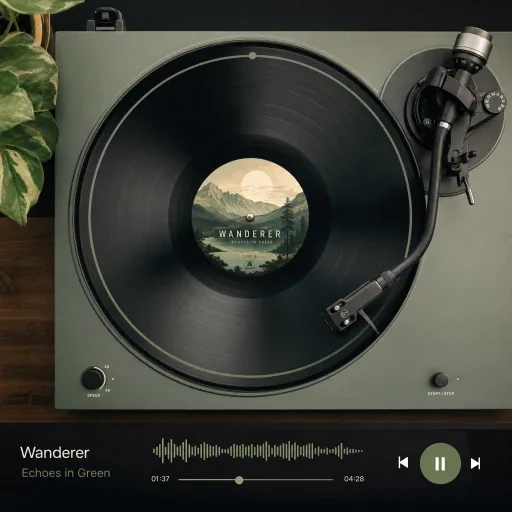
Upload an audio file or choose a completed song from your library. Start with a clear melody or solo instrument for more useful MIDI notes.
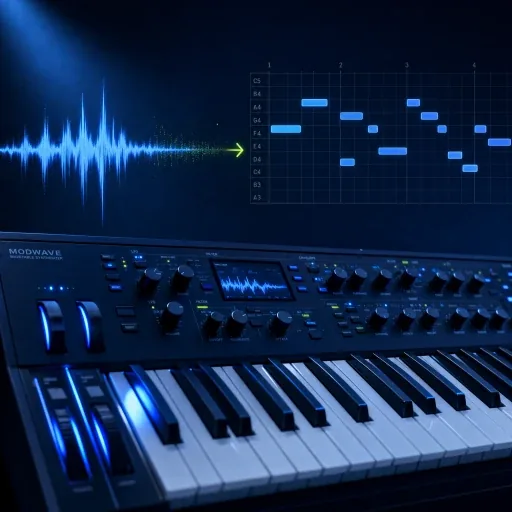
Convert MP3 and WAV audio into MIDI with our AI audio to MIDI converter. Download MIDI files and edit notes, timing and instruments in your DAW.

 Paper MoonMP3 · 3:18
 Sunday in BlueWAV · 2:46
 After the RainMP3 · 4:02
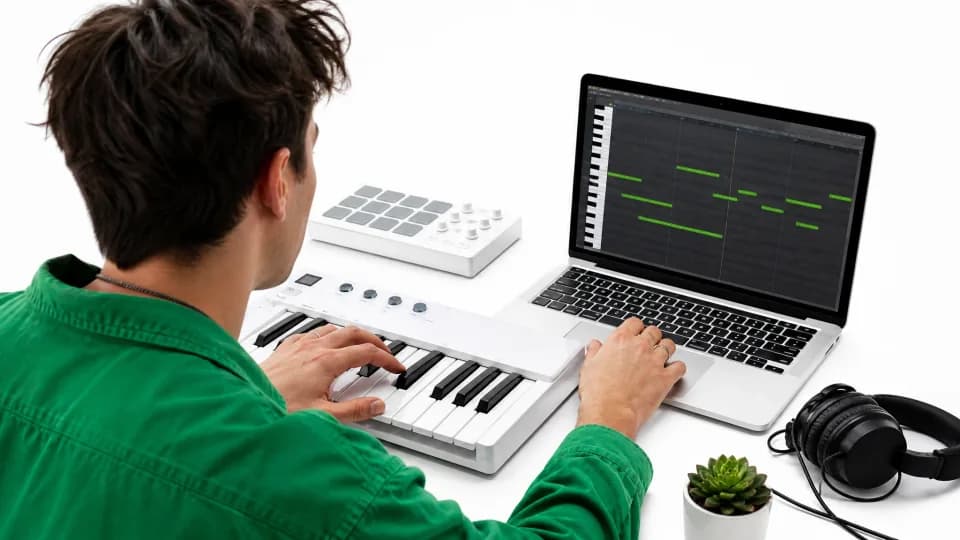

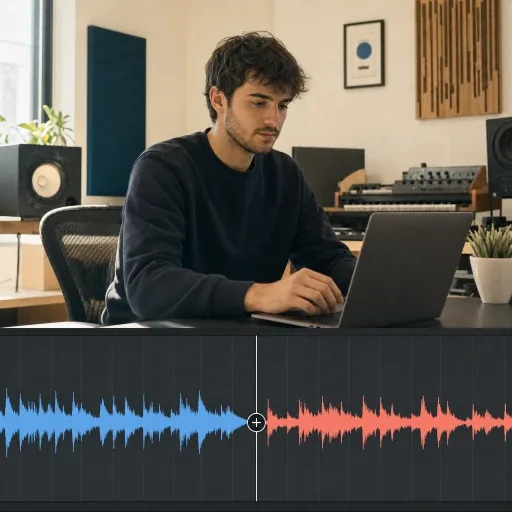
Start with a recording. Get the notes. Build an arrangement of your own.
Upload an audio file or choose a completed song from your library. Start with a clear melody or solo instrument for more useful MIDI notes.
Let AI translate the audio into note pitches and lengths, giving you a MIDI version to work with.
Download the result and bring it into your DAW. Correct a phrase, switch instruments, or write a new part around it.
Entdecke KI-Tools für die Musikerstellung, Audiobearbeitung, Sprachkonvertierung und Musikvideos.
Erkunde alle ToolsFAQ / 06
Yes. Select Upload Audio to add an MP3, WAV, M4A, FLAC, or OGG file up to 100 MB. You can also choose a completed song from your AISongGenerator library.
The converter focuses on melody, pitch, and note timing. Dense harmonies, overlapping instruments, and percussion can be harder to capture. MIDI stores musical instructions rather than the original voice or instrument sound.
Each conversion uses 4 credits. You can use available free credits when your balance covers the cost. Check the displayed credits before starting; conversion is not unlimited.
Choose a recording with one clear voice or instrument and little background noise or reverb. Busy arrangements may need more corrections. Listen through the exported notes and adjust them in your music software.
Both MP3 and WAV are supported through uploads and your song library. Start with the clearest available recording: a distinct melody and a simple arrangement matter more than the file extension alone.
Open the .mid file in a compatible DAW such as Logic Pro, Ableton Live, or FL Studio, or a notation app such as MuseScore. You can adjust pitch, note length, timing, and velocity, assign another instrument, or use the notes to build a score.
Upload audio or choose a saved song. Convert it into editable MIDI and build a new arrangement in your DAW.
Start with a Song