01
Upload your audio
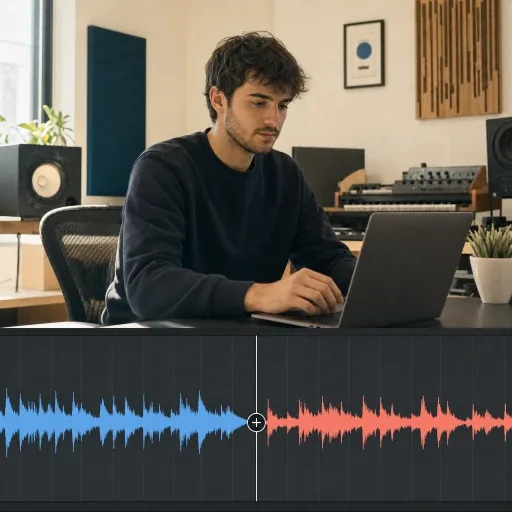
Choose a saved song or upload an MP3, WAV, M4A, or another supported audio file.
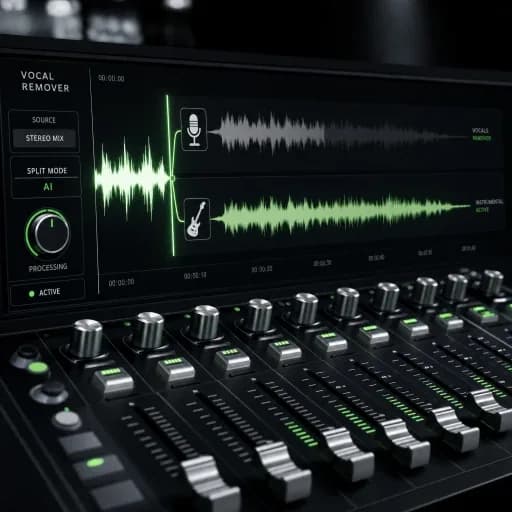
Separate vocals and instruments with our AI vocal remover and stem splitter. Download individual tracks for karaoke and remixes.
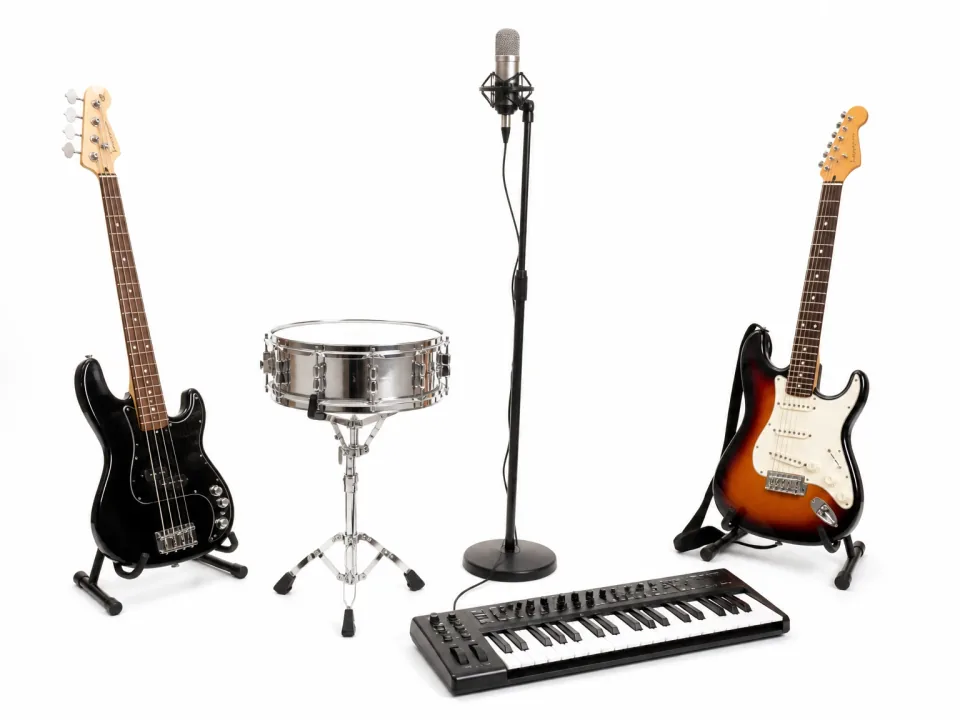



Extract vocals, instruments, and individual stems from any audio file in minutes.
Choose a saved song or upload an MP3, WAV, M4A, or another supported audio file.
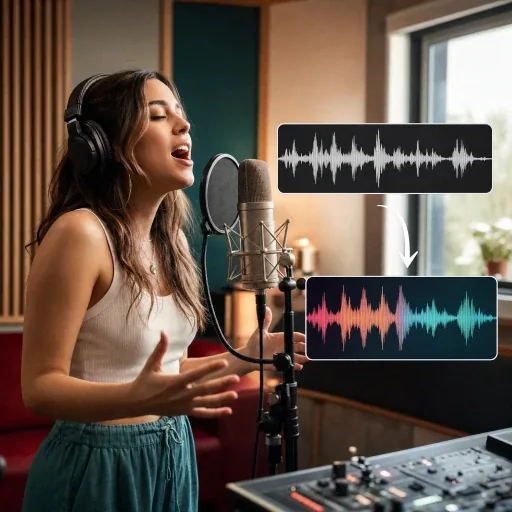
Choose Basic or Pro quality, then separate vocals and instrumentals or select a full multi-stem split.
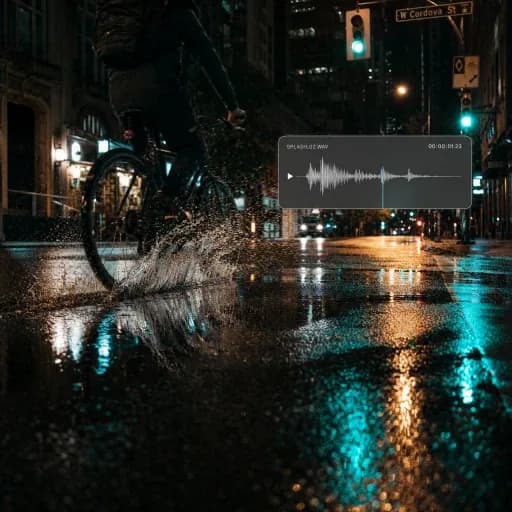
Start the separation, preview each isolated stem, and download the vocals, instrumental, or individual tracks you need.
Descubre herramientas de inteligencia artificial para creación musical, edición de audio, conversión de voz y videos musicales.
Explora todas las herramientasFAQ / 08
AI Vocal Remover uses advanced separation technology to split a song into two clear tracks: isolated vocals and an instrumental. Use the results for karaoke, covers, remixes, editing, and music production.
AISongGenerator is built for music creation, so our Vocal Remover is optimized for sung vocals and detailed backing tracks. It gives you clean vocal and instrumental versions in a simple workflow, with Basic and Pro quality options for different projects.
Upload a song or choose one from your library, select Basic or Pro quality, and start the separation. When processing is complete, preview and download the isolated vocals, the instrumental, or both.
AI Vocal Remover uses credits. You can use available free credits when your balance covers the selected separation mode. Check the cost before starting. Previewing results and downloading them are separate: downloads require an active paid plan.
Yes. Vocal Remover works in a browser on phones, tablets, and computers. Visit aisonggenerator.io/voice-remover, sign in, upload your song, and start separating it without installing software.
Processing time varies with the recording length, selected separation mode, and service load. Check History for progress, then preview the separated tracks when processing is complete.
You can upload common audio formats including MP3, WAV, and M4A. High-quality source files with clear vocals generally produce the cleanest vocal and instrumental separation.
Your separation history is linked to your account and requires sign-in. Results are stored for playback and download rather than deleted as soon as processing finishes. Keep direct audio links private and review our Privacy Policy for processing and storage details.
Use our AI vocal remover and stem splitter to create karaoke tracks and download stems for covers and remixes.
Separate a Track