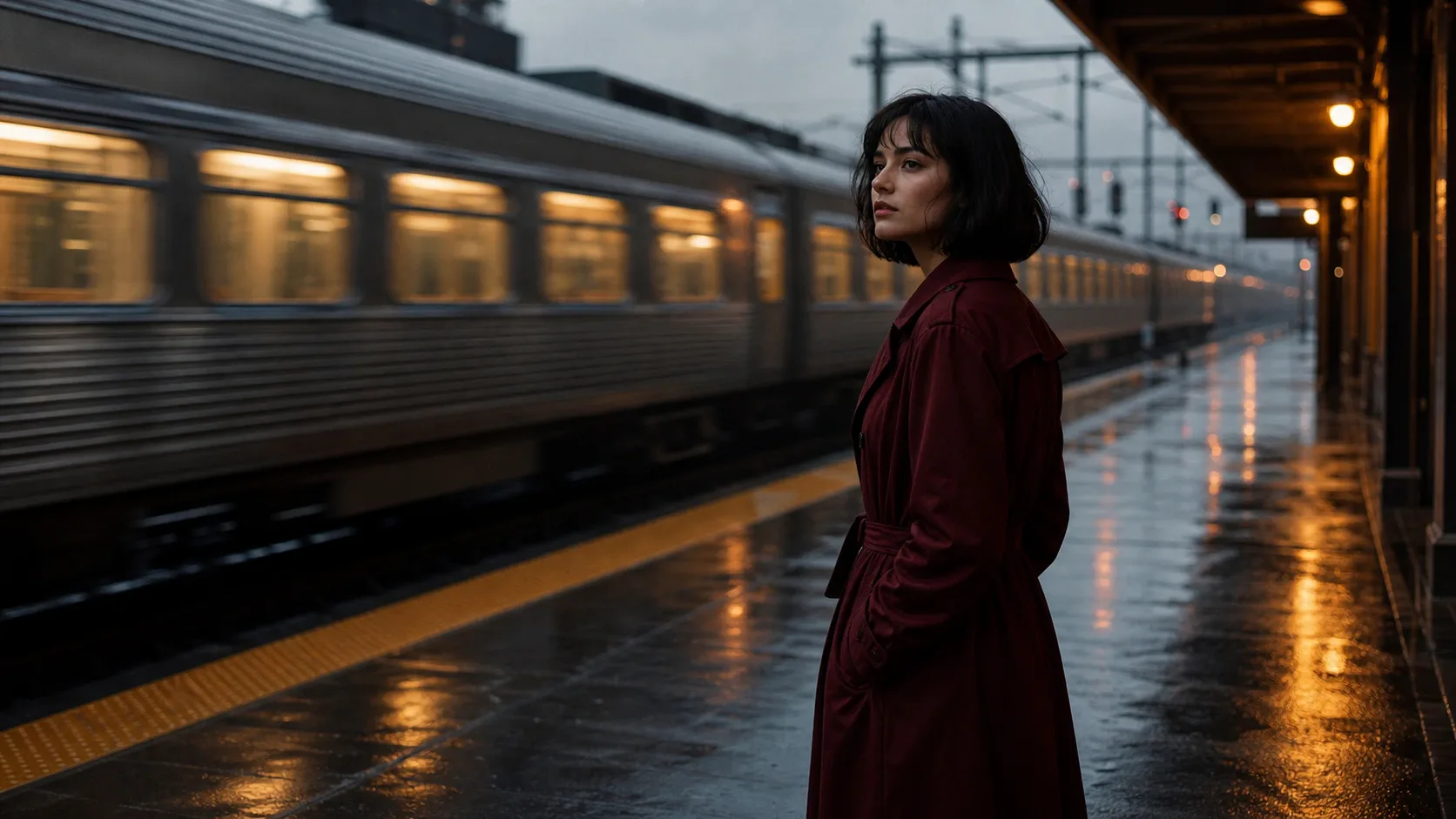
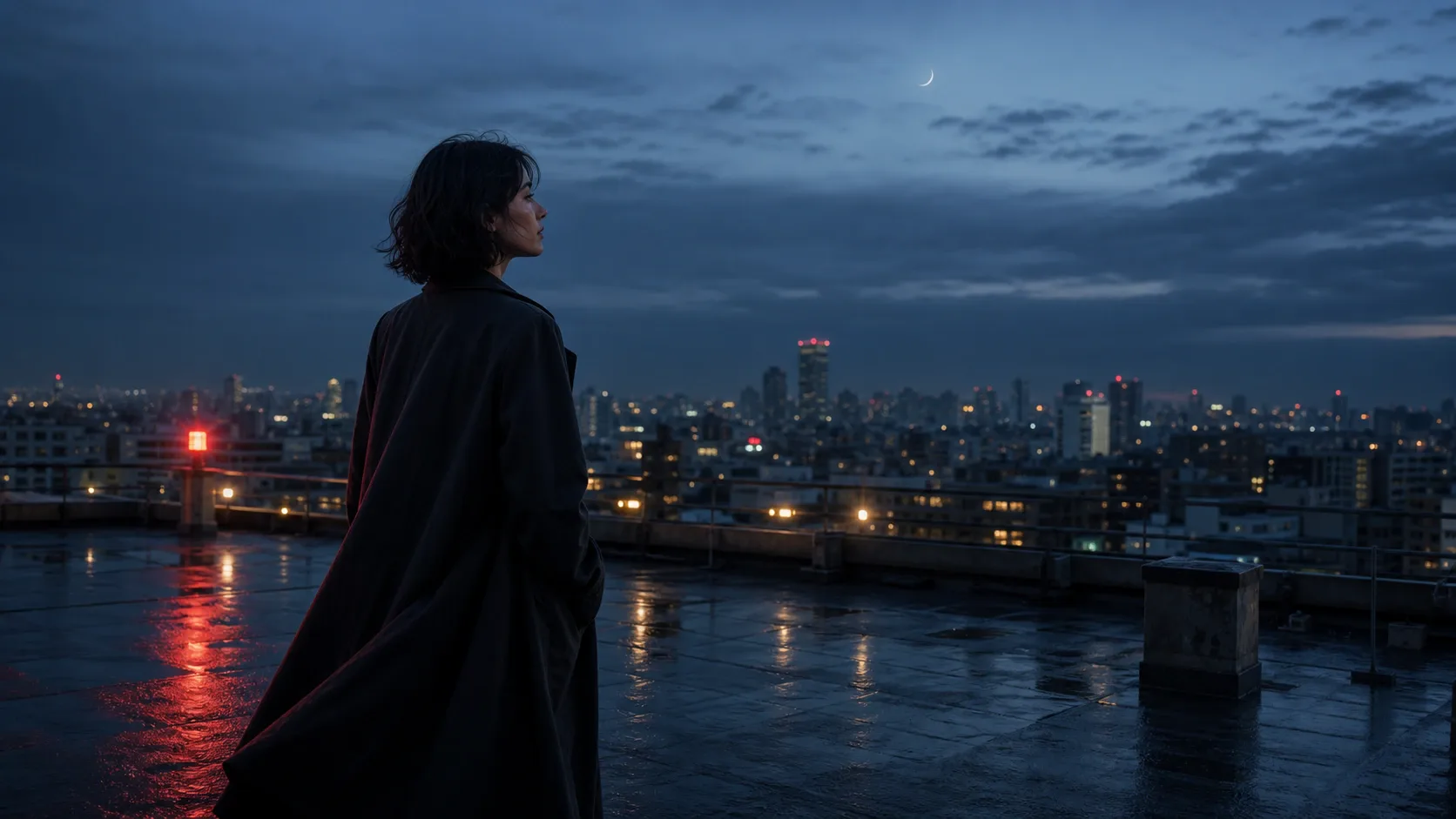
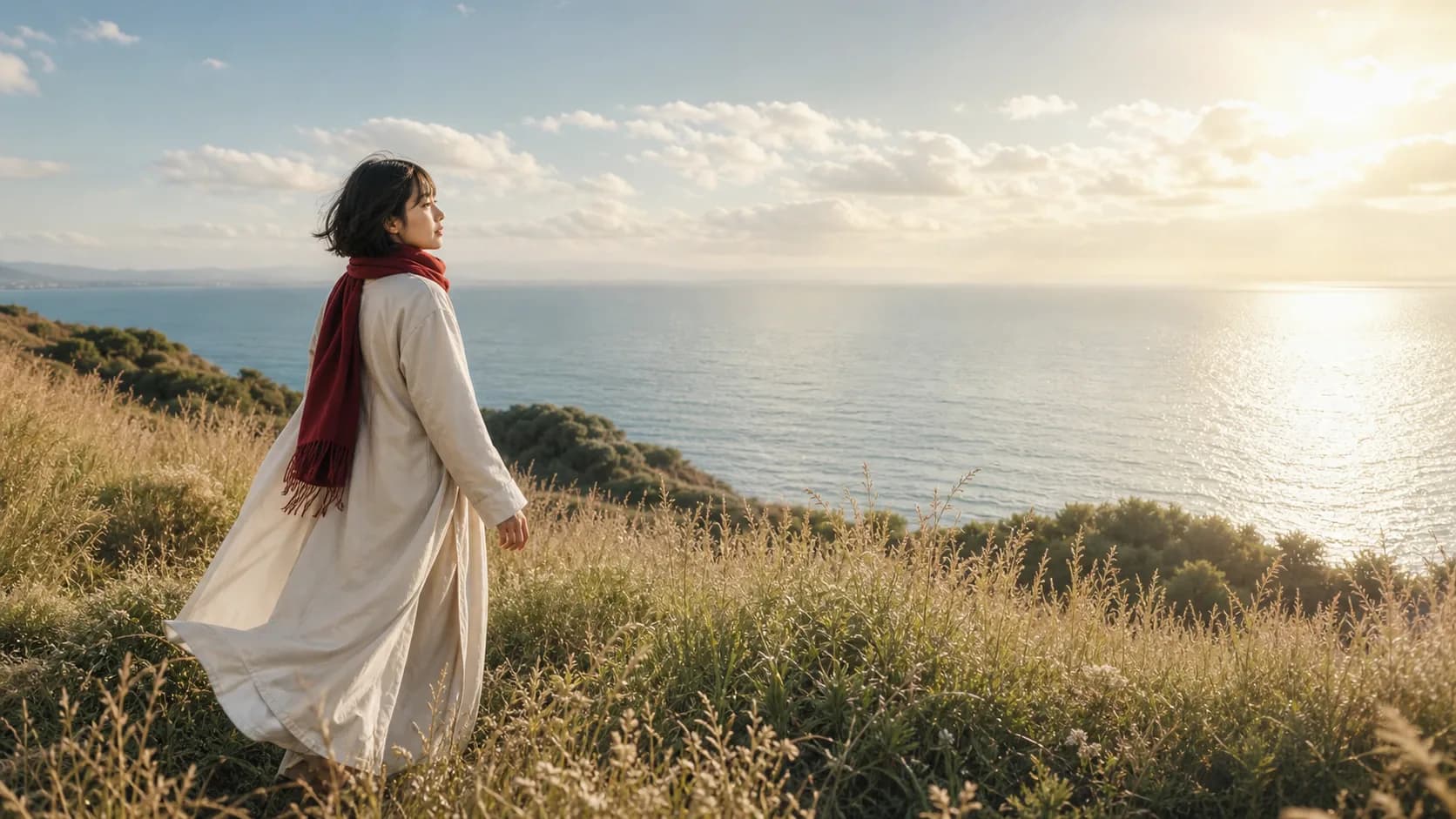
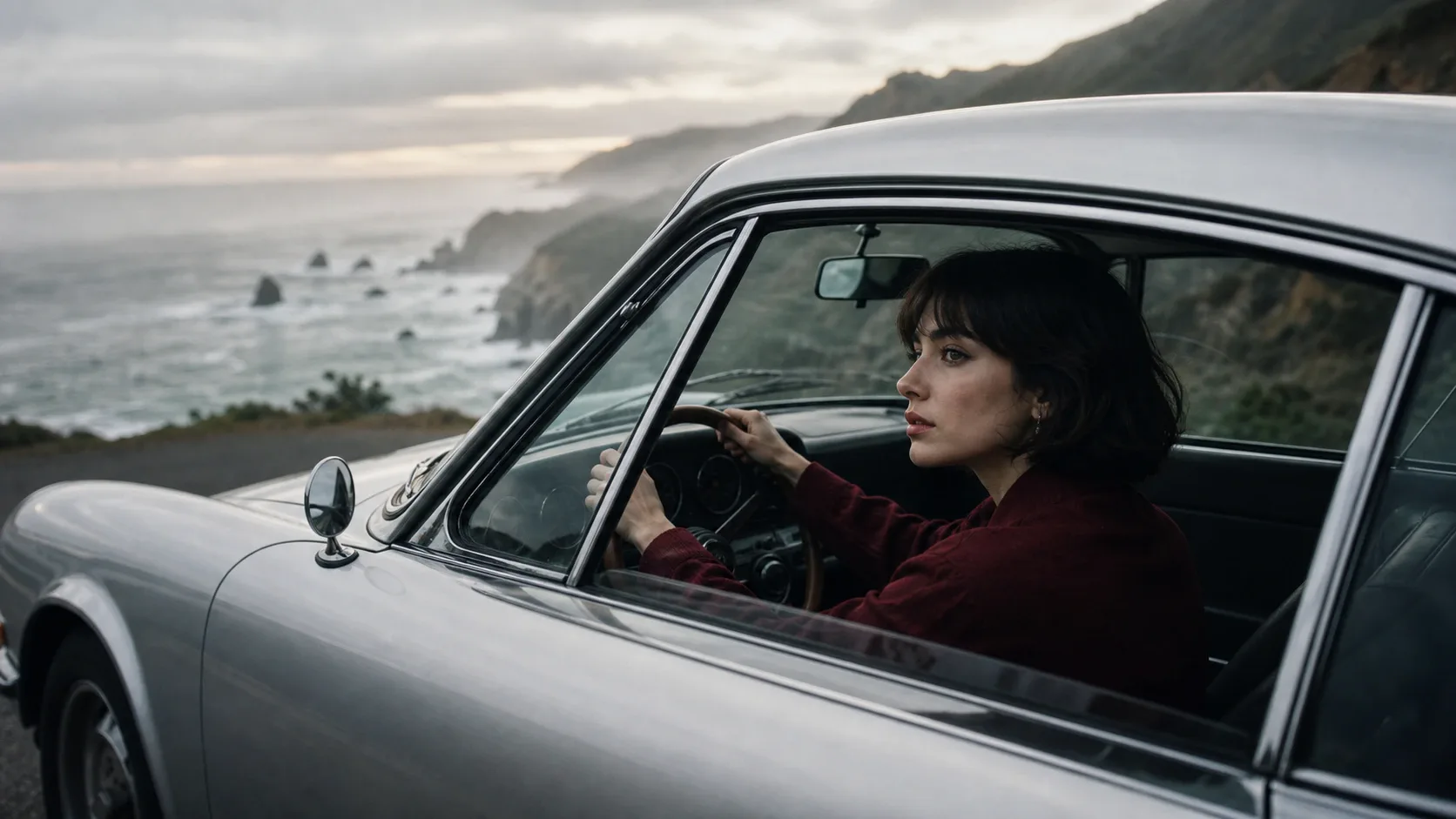
AIシンガー動画
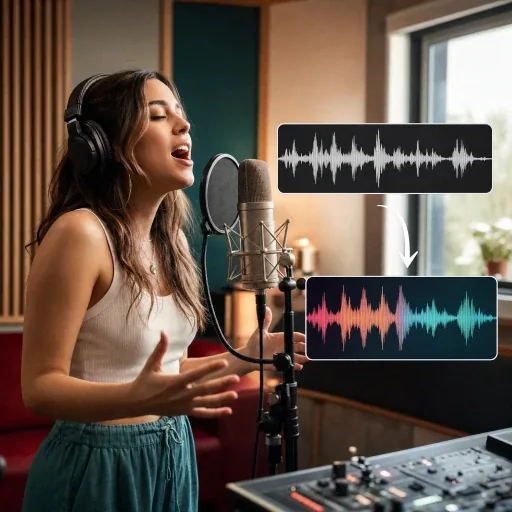
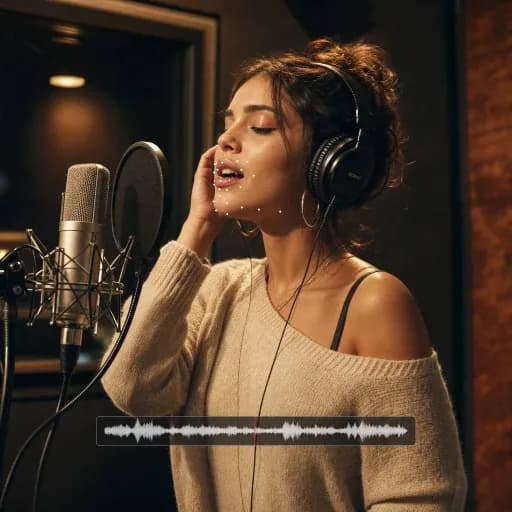
あなたの曲を自然な表現で本物のような AI シンガービデオに変換します
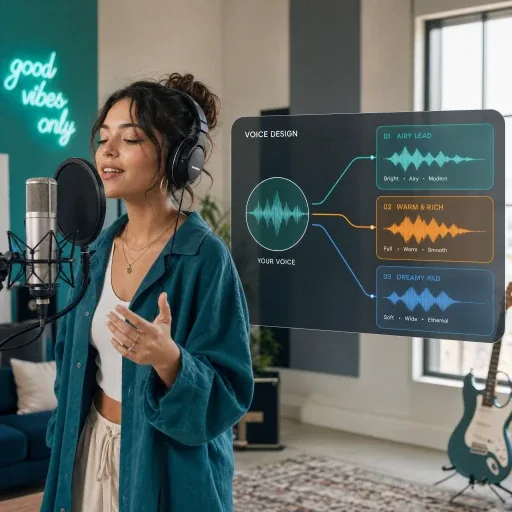
新しいリリースやソーシャル クリップ用に、唇の動きを同期させて、曲とパフォーマーの画像から AI シンガー ビデオを作成します。
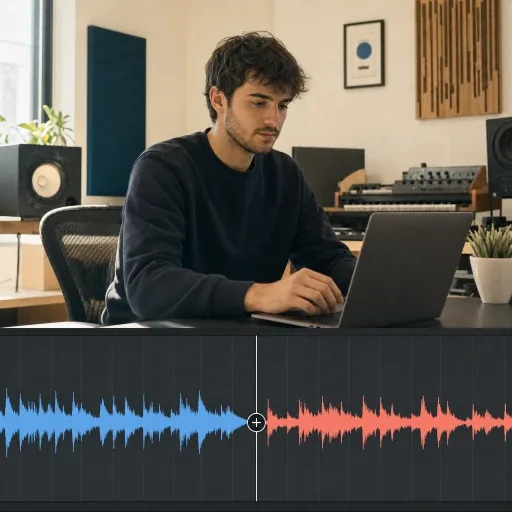
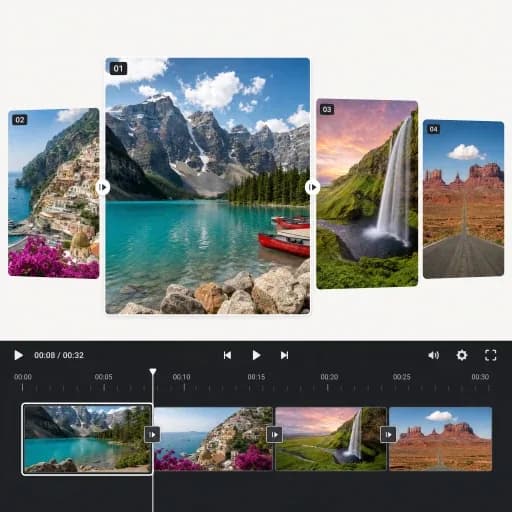
AI 歌手のビデオを作成するスライドショー動画
スライドショー ビデオ メーカーを使用して、写真、音楽、スムーズなトランジション、モーション エフェクトを組み合わせて、曲のリリースやビジュアル ストーリーを作成します。
スライドショービデオを作成するスライドショー動画 を表示、4 の 2 をスライド
Transform any song into a stunning music video with AI-powered visuals.
Upload an audio file or choose a finished track from your AISongGenerator library.
Add your photos, arrange the scene order, and choose how each visual flows with the track.
Preview the cuts, transitions, and pacing, then render your finished slideshow video.
音楽作成、オーディオ編集、音声変換、ミュージック ビデオのための AI ツールを発見してください。
すべてのツールを調べるFAQ / 08
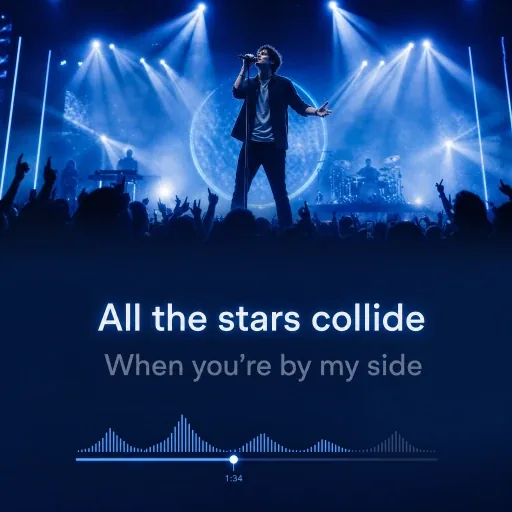
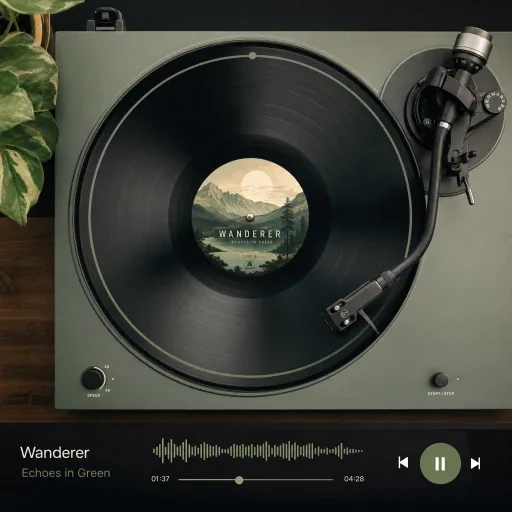
An AI music video generator turns a song and visual assets into a video. AISongGenerator offers four styles: an AI singer performance, a photo slideshow, an animated lyrics video, or a spinning vinyl record. Use your own music and images, or choose a song from your library and generate images where supported.
Choose a completed song from your AISongGenerator library or upload an audio file. Select a video style, add the required images and lyrics, and choose the available settings. Slideshow, lyrics, and vinyl videos can be previewed before rendering; AI Singer generates directly after confirmation. Download the finished video from your history.
Video creation uses credits. Slideshow, lyrics, and vinyl previews have no separate preview fee; AI-generated images cost 2 credits each, and final rendering costs 20 credits per video. AI Singer is billed by audio duration and resolution. Uploading your own images avoids image-generation charges. Check the estimated credits before submitting.
Yes. The creator adapts to phones, tablets, and computers in a modern browser. On smaller screens, switch between Create and History to set up your video, check its progress, preview supported video styles, and download completed results. No desktop app is required.
Processing time varies with the video style, audio length, image generation, resolution, and current service load. Slideshow, lyrics, and vinyl videos have a preview step before final rendering; AI Singer runs as a generation task. Check History for progress and download the result when it is ready. There is no fixed completion time.
Completed videos download as MP4 files, a widely supported format for YouTube, TikTok, Instagram, and video editors. Choose 16:9 landscape or 9:16 portrait for your intended platform. AI Singer also offers 480p and 720p options, with the output orientation based on the selected image crop.
Your project history is linked to your account and requires sign-in, but media files use direct URLs that may be accessible to anyone with the link. Your inputs may be processed by service providers to generate and deliver the video, as described in our Privacy Policy. Keep media links private and avoid uploading sensitive content.
You retain the rights you already hold in uploaded material. Rights to generated content depend on our Terms of Service and the applicable Commercial License Agreement. The yearly general license covers eligible music videos created during an active yearly subscription; a song-specific license covers only the listed songs. You must also have permission to use all source music, images, and other material.
Choose a visual style and bring your music to the screen with our AI music video generator.
Create a Music Video