01
Describe your sound
Write a clear prompt for the sound you want, including the action, setting, mood, and texture.
Generate custom sound effects and ambient audio with our AI sound effect generator. Set the duration and download sounds for videos, games and podcasts.
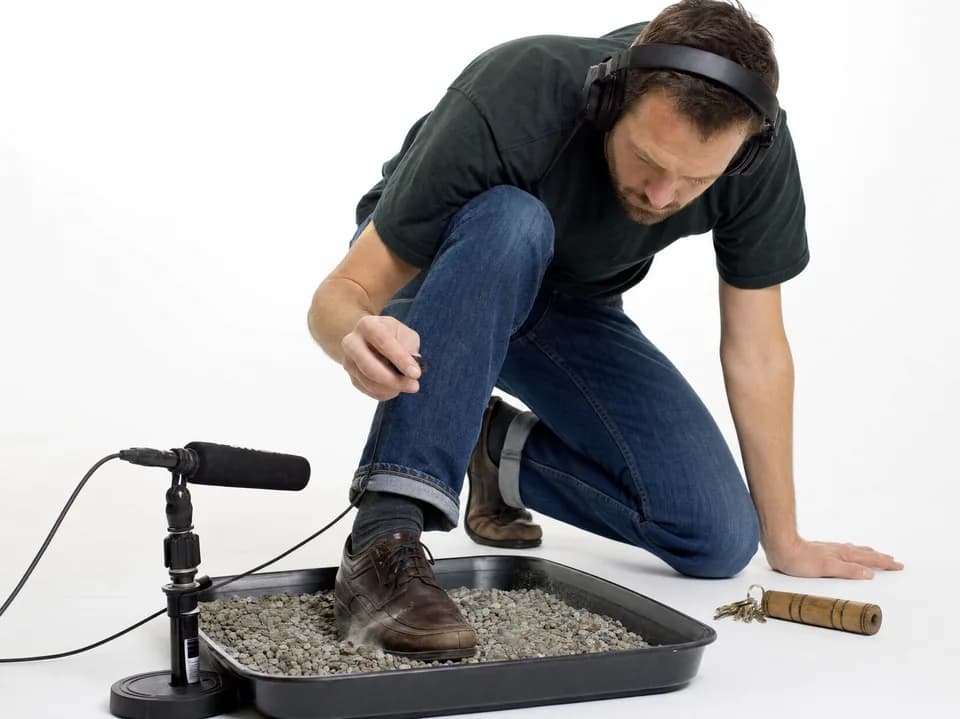
Describe the sound you need, adjust the settings, and generate it in moments.
Write a clear prompt for the sound you want, including the action, setting, mood, and texture.
Set the duration and variation, then refine your prompt to control the timing, texture, and mood.
Generate your sound effect, preview the result, and download the version you want to use.
Discover AI tools for music creation, audio editing, voice conversion and music videos.
Explore all toolsFAQ / 11
Sound generation uses credits. You can use available free credits when your balance covers the displayed cost. Preview your generated sounds in History; downloading results requires an active paid plan.
Yes. You can use generated sound effects in commercial work such as films, games, ads, podcasts, and online content, subject to the licensing terms that apply to your plan.
Each sound effect can be up to 30 seconds long. For longer ambience or evolving scenes, generate compatible segments and join, crossfade, or loop them in your editor.
Use a specific prompt, choose a duration that fits the action, and keep important descriptors consistent between generations. Change one detail at a time when testing variations so you can identify what improves the result.
Write events in the order they should happen, such as “footsteps on gravel, then a heavy metal door opens.” For layered scenes, generate the main elements separately and combine them for more control.
Yes. You can create drum loops, percussion patterns, tonal hits, ambient pads, and short melodic textures. Include details such as BPM, key, style, instrumentation, or era when they matter.
Terms such as impact, ambience, whoosh, riser, drone, foley, glitch, dry, reverberant, close, and distant help describe a sound's role, texture, and space more precisely.
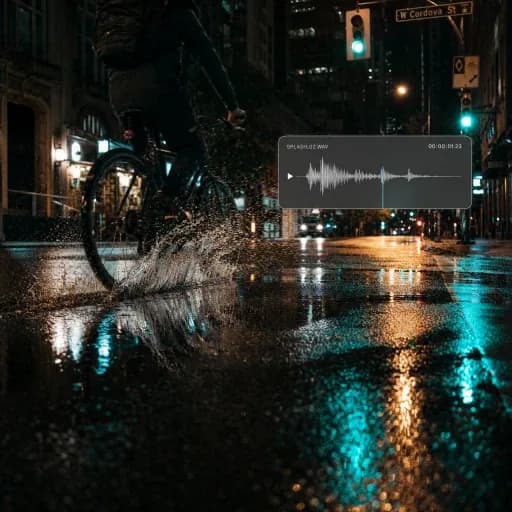
Describe the source, action, material, environment, distance, intensity, and timing. For example: “A small glass bottle rolls across concrete and stops with a soft tap in an empty warehouse.”
Yes. Ask for a steady, loopable ambience and avoid a strong hit or obvious ending. After downloading, use a short crossfade in your editor to make the transition between the end and beginning smoother.
Simplify the prompt, remove conflicting details, and make the most important sound the first clear instruction. Then generate a new variation and adjust one property—such as material, distance, or intensity—at a time.
Yes. You can trim, fade, loop, layer, pitch-shift, equalize, or normalize the downloaded effect in any audio or video editor to fit the exact timing and mix of your project.
Generate sound effects and ambient audio from text for videos, games and podcasts.
Generate a Sound