01
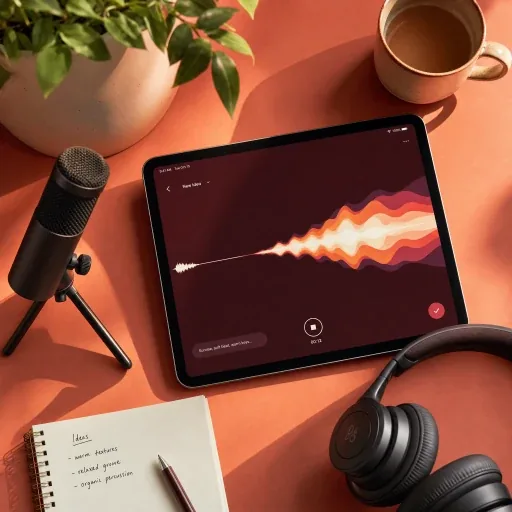
Upload your recording
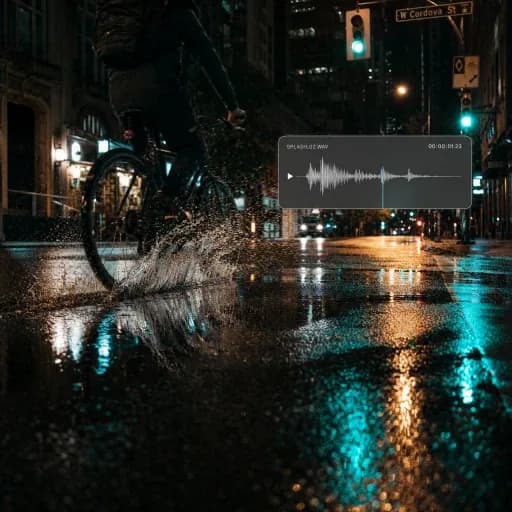
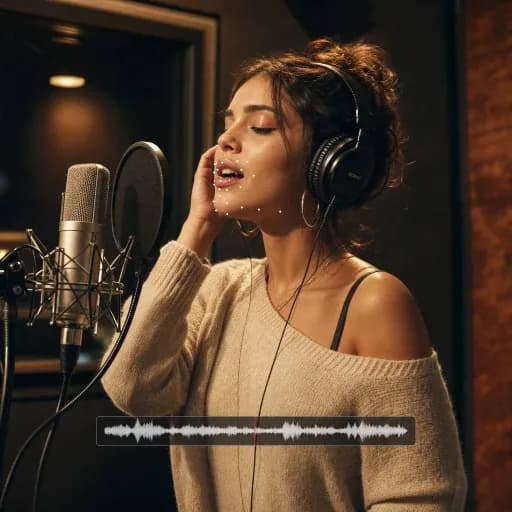
Choose a saved file or upload a clear speech recording in a supported audio format.
Convert recordings into readable transcripts with AI speech to text. Get automatic punctuation, speaker labels and TXT downloads.
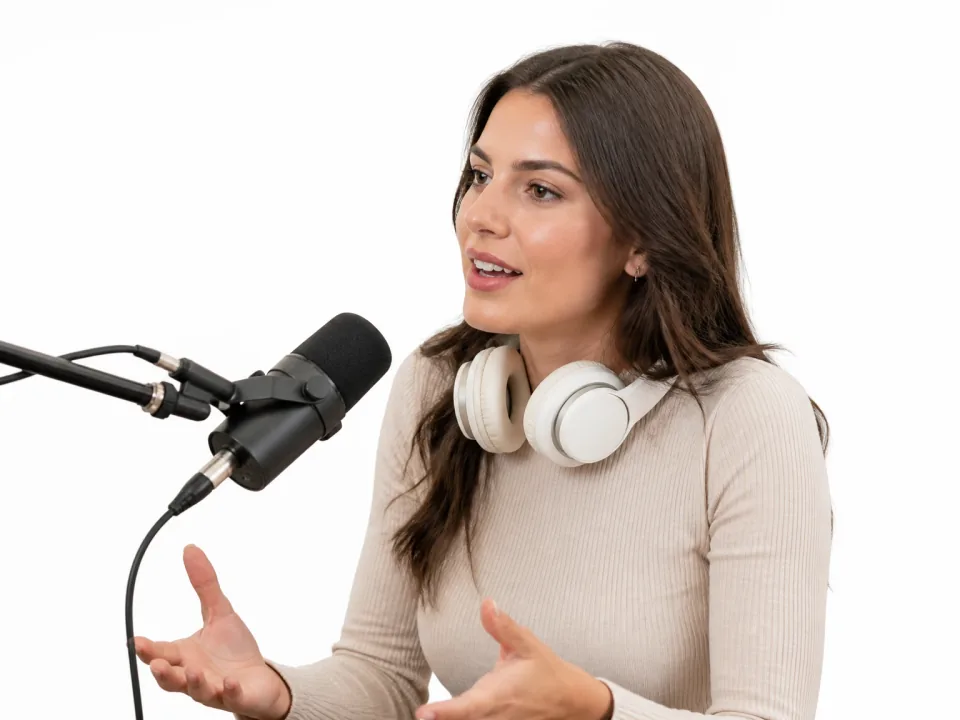
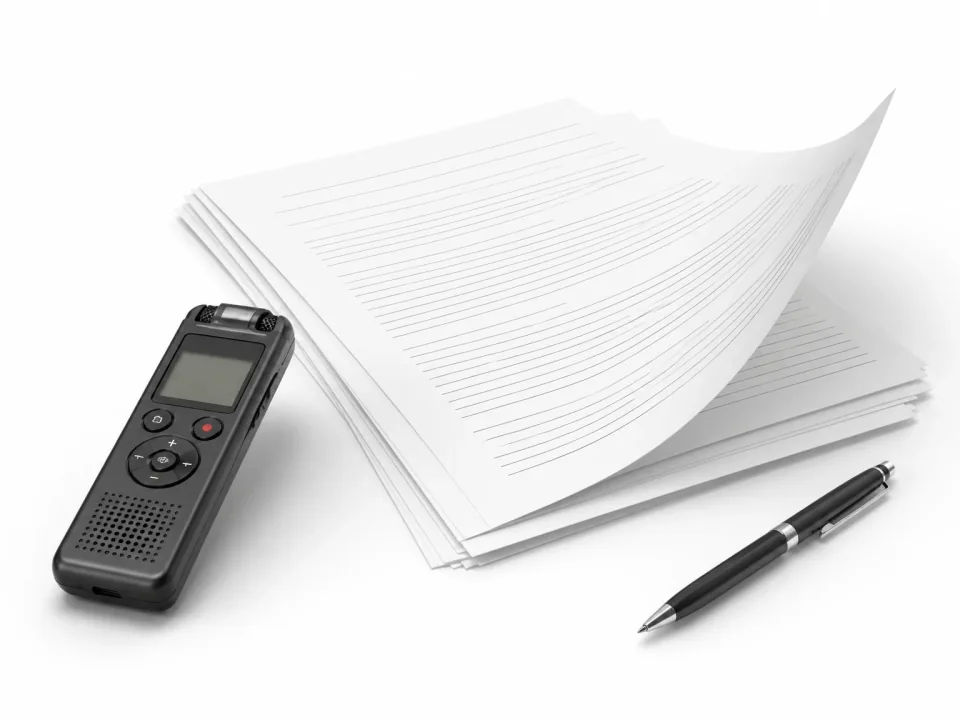
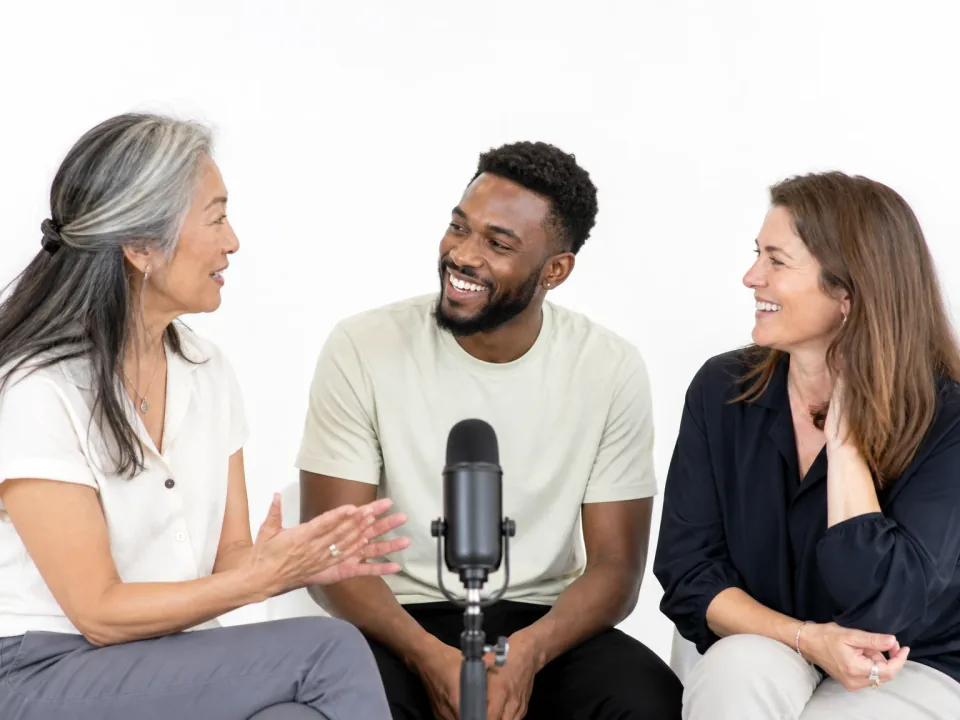
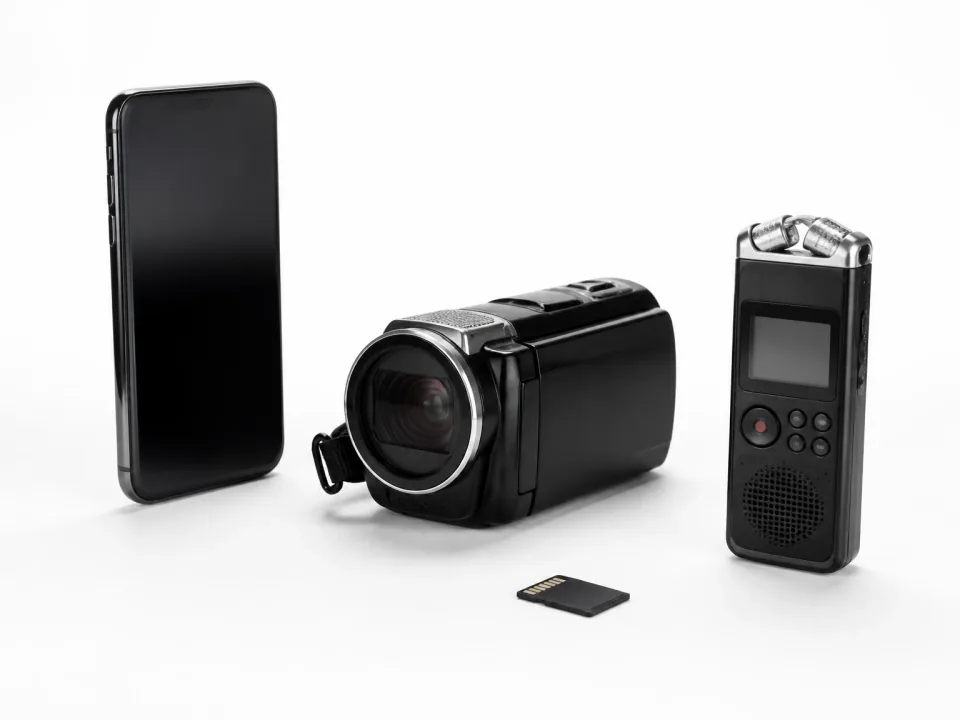
Turn long recordings into clean, structured, and ready-to-use text in minutes.
Choose a saved file or upload a clear speech recording in a supported audio format.
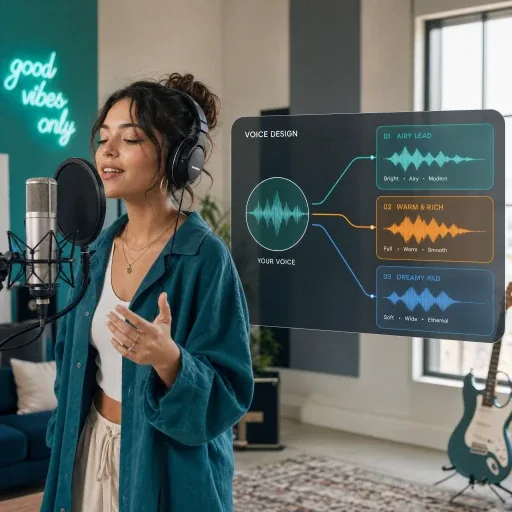
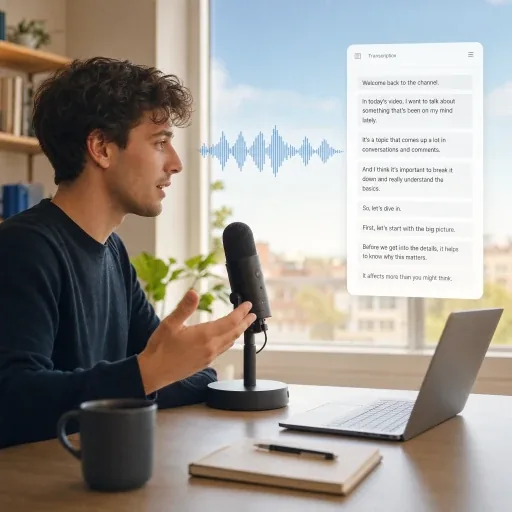
Select the language, then enable speaker identification, sound notes, and word-level timestamps as needed.
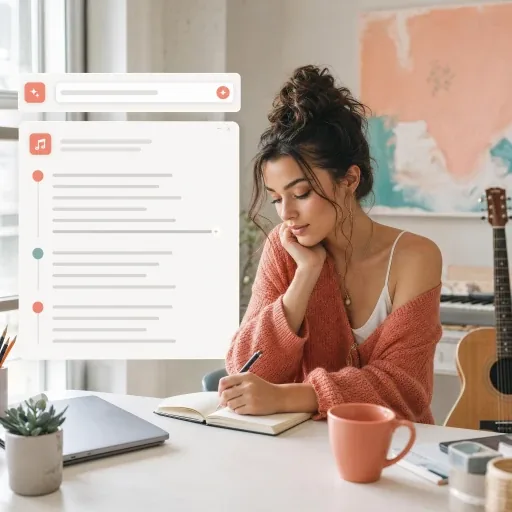
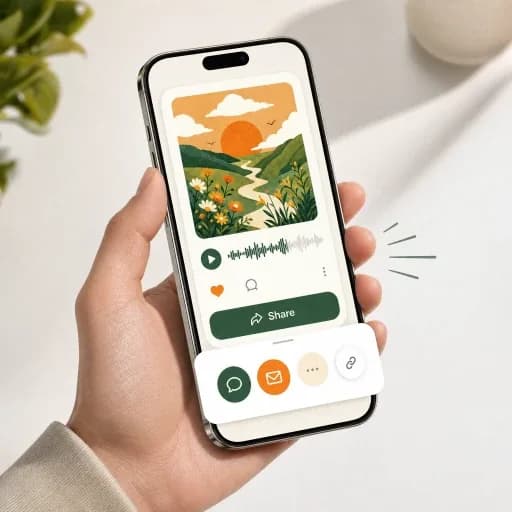
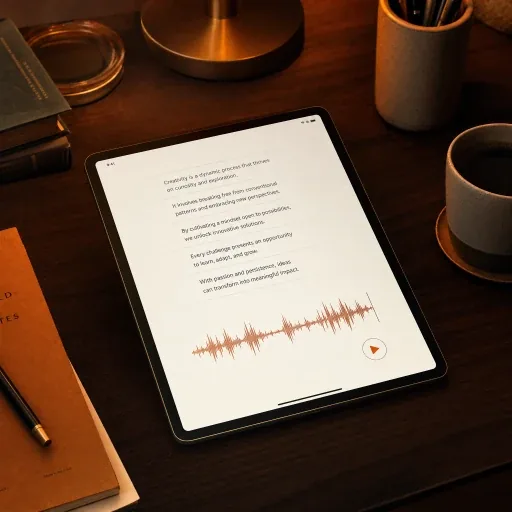
Generate the transcript, review each speaker and timestamp, then copy or export the text for captions, notes, or publishing.
Discover AI tools for music creation, audio editing, voice conversion and music videos.
Explore all toolsFAQ / 07
This workspace accepts audio files. To transcribe a video, extract its audio first and upload the audio file. Clear speech with limited background music gives the transcription a better starting point.
You can review and copy the transcript, or download a TXT file with an active paid plan. Make changes in your preferred text editor after copying or downloading. In-page editing and SRT or VTT exports are not currently available.
Speech to Text works well for podcasts, interviews, meetings, lectures, training sessions, YouTube videos, client calls, research recordings, captions, and content repurposing.
Upload an audio file up to 250 MB. For longer recordings, use clear speech and consistent volume, and check the estimated credits before starting transcription.
Yes. Speaker identification can separate and label different voices in meetings, interviews, panels, and group discussions. Overlapping speech or similar-sounding voices may still require review.
Accuracy depends on the language, accent, recording quality, background noise, and speaker overlap. Select the correct language and review names, technical terms, punctuation, and speaker labels before using the transcript.
Your uploaded files and transcripts are treated as private content and are not used for model training unless you explicitly choose to allow that use.
Use our AI speech-to-text converter to transcribe interviews, meetings, podcasts, and voice notes in seconds.
Transcribe Audio