01
Enter your text
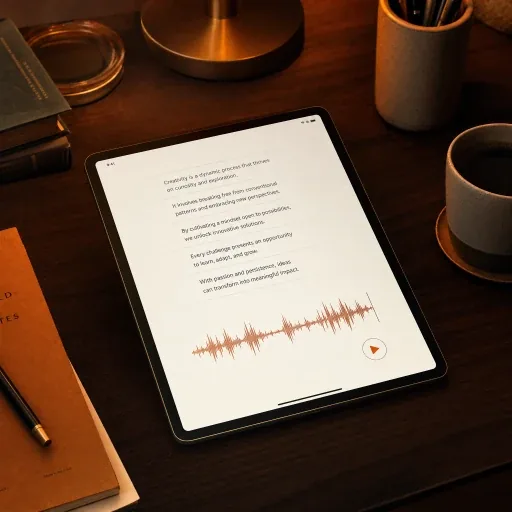
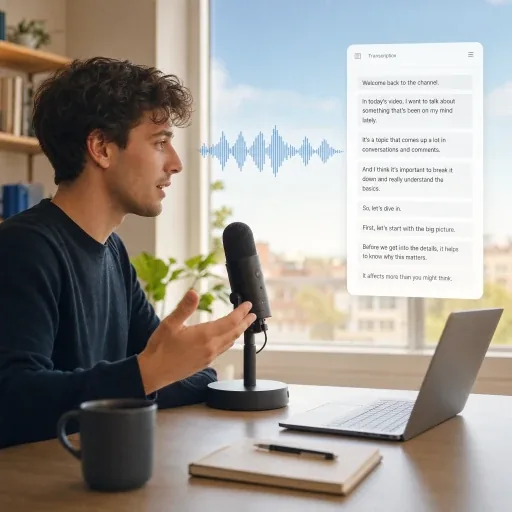
Type or paste the script you want to hear, using punctuation to guide the pacing and delivery.
Create AI voiceovers with our text to speech generator. Choose from multilingual voices and adjust the delivery. Download your audio as MP3 or Opus.
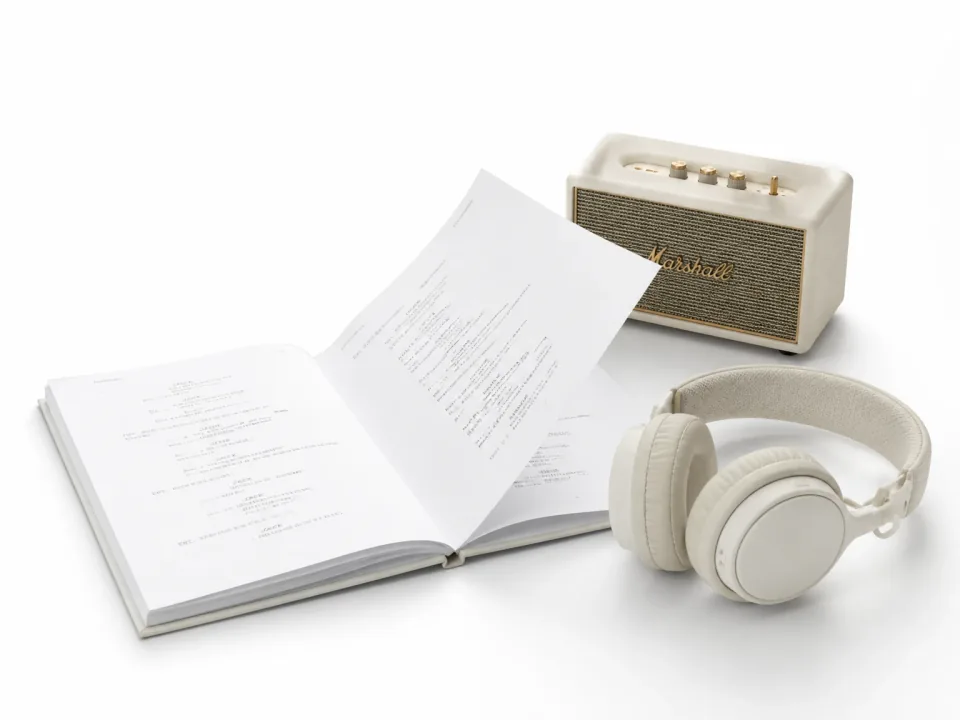



Turn scripts, dialogue, or ideas into polished voice audio in just a few steps.
Type or paste the script you want to hear, using punctuation to guide the pacing and delivery.
Select a voice from the library or use one of your own, then adjust the speed, stability, and output format.
Generate the speech, preview the result, and download the take you want to use.
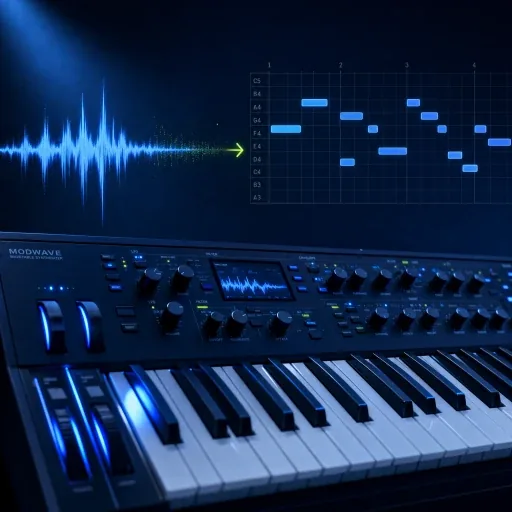
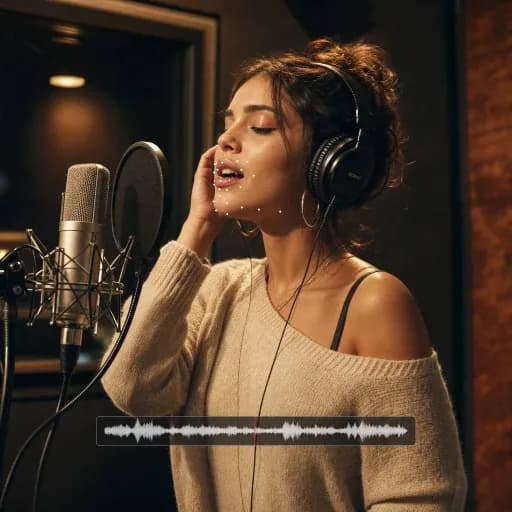
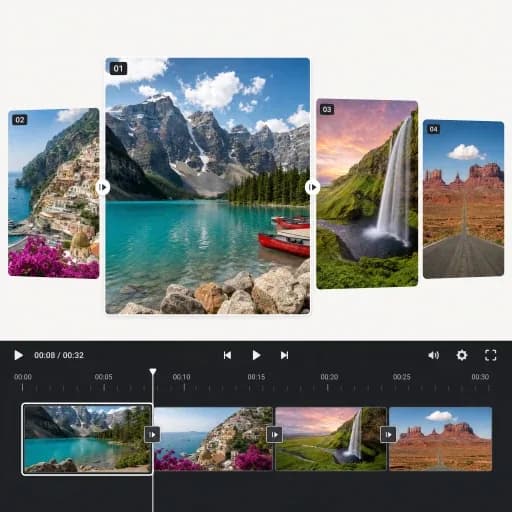
Discover AI tools for music creation, audio editing, voice conversion and music videos.
Explore all toolsFAQ / 08
Speech generation uses credits based on the text length. You can use available free credits when your balance covers the displayed cost. Preview your generated speech in History; downloading MP3 or Opus results requires an active paid plan.
AI Text to Speech turns written content into spoken audio for videos, audiobooks, articles, games, product demos, learning materials, accessibility, and localized media.
Yes. Available languages and accents depend on the selected voice. Choose a voice designed for your target language, then preview a short section to confirm pronunciation and delivery before generating the full script.
Yes. You can create narration for tutorials, explainers, gaming videos, animations, reviews, and storytelling. YouTube monetization depends on the originality and value of the complete video, so generated narration alone does not guarantee eligibility.
Commercial usage rights depend on your subscription plan and the applicable licensing terms. Review those terms before publishing the audio in paid, sponsored, or client work.
Yes. Commas create short pauses, periods separate ideas, question marks shape intonation, and paragraph breaks give the delivery more room. Natural sentences and restrained punctuation usually sound more convincing than excessive capitalization or symbols.
AI speech generation can vary between takes. For more consistent results, keep the same voice, speed, and stability settings, use clear punctuation, and generate long scripts in shorter sections.
Your text and generated audio are treated as private content and are not used for model training unless you explicitly choose to allow that use.
Turn scripts into lifelike audio for videos, podcasts, and narration with our AI text-to-speech generator.
Generate Speech